

Once a facilities team decides an office art collection needs proper documentation, the next question is usually practical: do we buy inventory software and do it ourselves, or bring in a professional cataloging service? Both are legitimate paths, and the right answer depends less on budget alone than on collection size, how the records will eventually be used, and how much time facilities can realistically dedicate to it. Here's how to think through the decision.
What DIY Inventory Software Actually Gives You
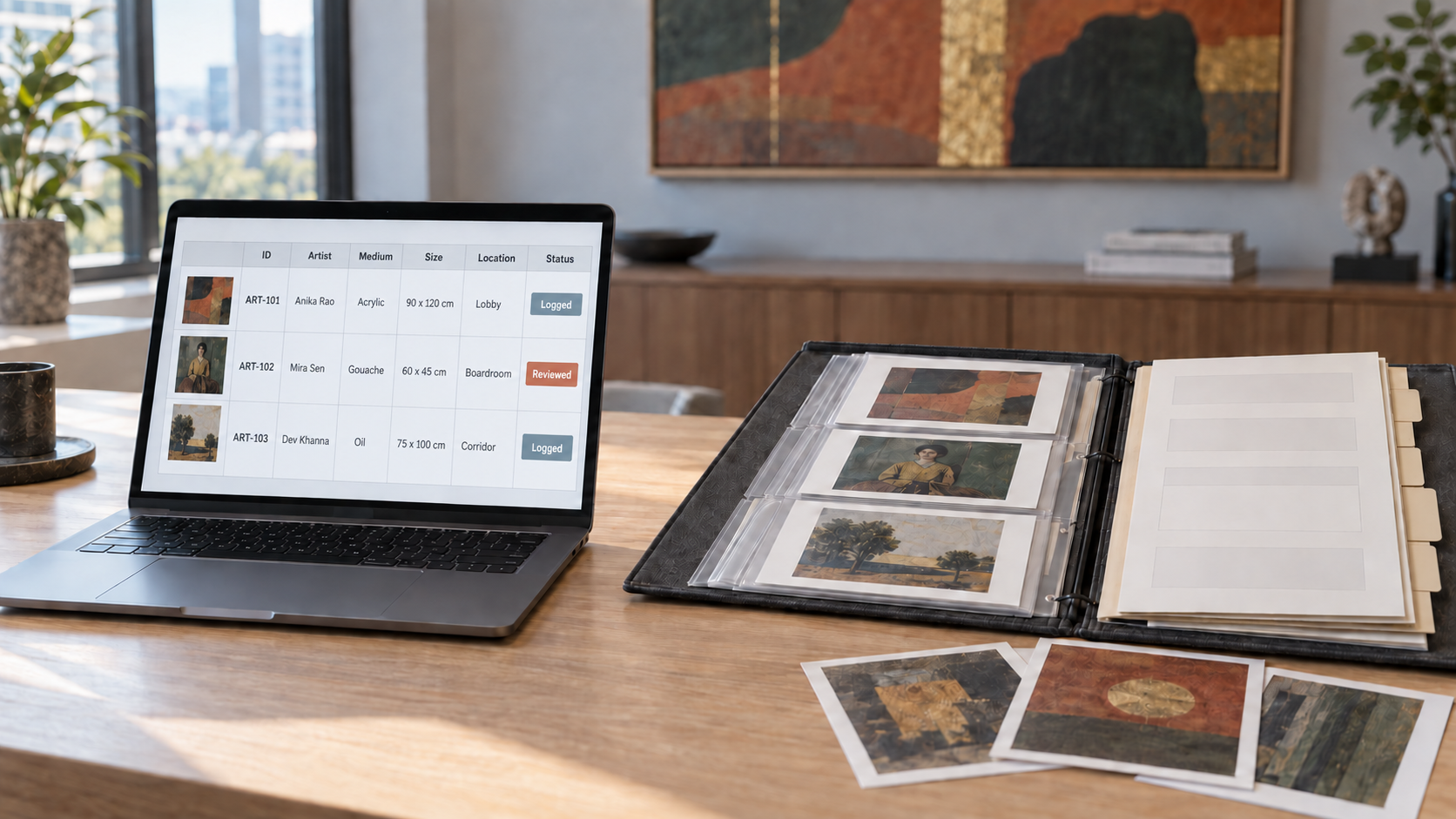
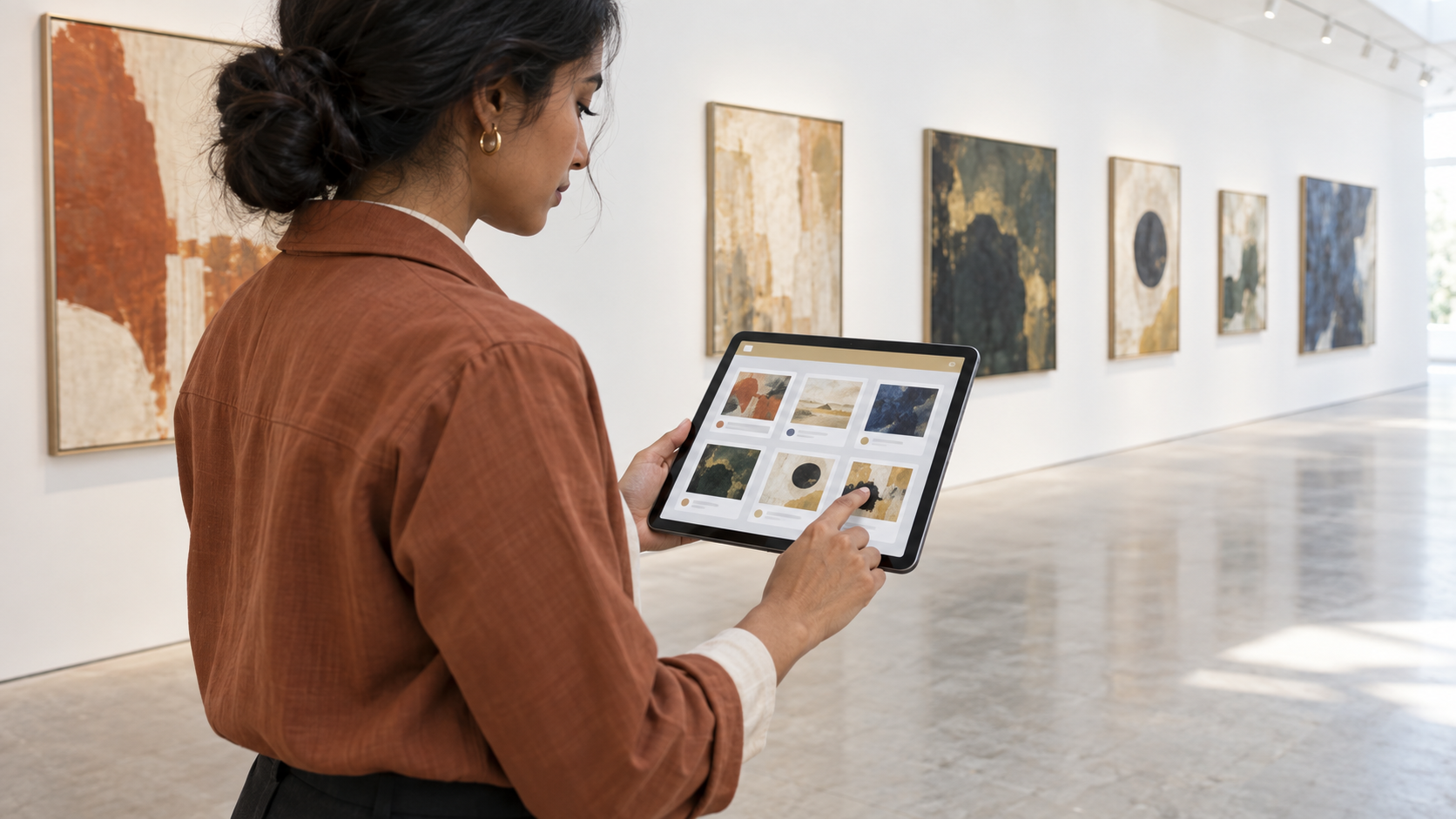
Most art inventory software offers templated fields, cloud storage, photo attachment, and search/filter tools — often built primarily for galleries, artists, or private collectors rather than a corporate facilities use case. The appeal is real: lower cost, fast to start, and full control over how it's set up.
The trade-offs are worth going in aware of. Data quality depends entirely on who enters it and how consistently. There's no professional photography or trained condition assessment built in — you get what your own team is able to capture. Generic templates may not capture the specific fields a corporate insurer, auditor, or future valuer will actually want. And adoption often stalls once the person who set it up moves on to other priorities, leaving a half-populated system nobody maintains.
What a Professional Cataloging Service Adds
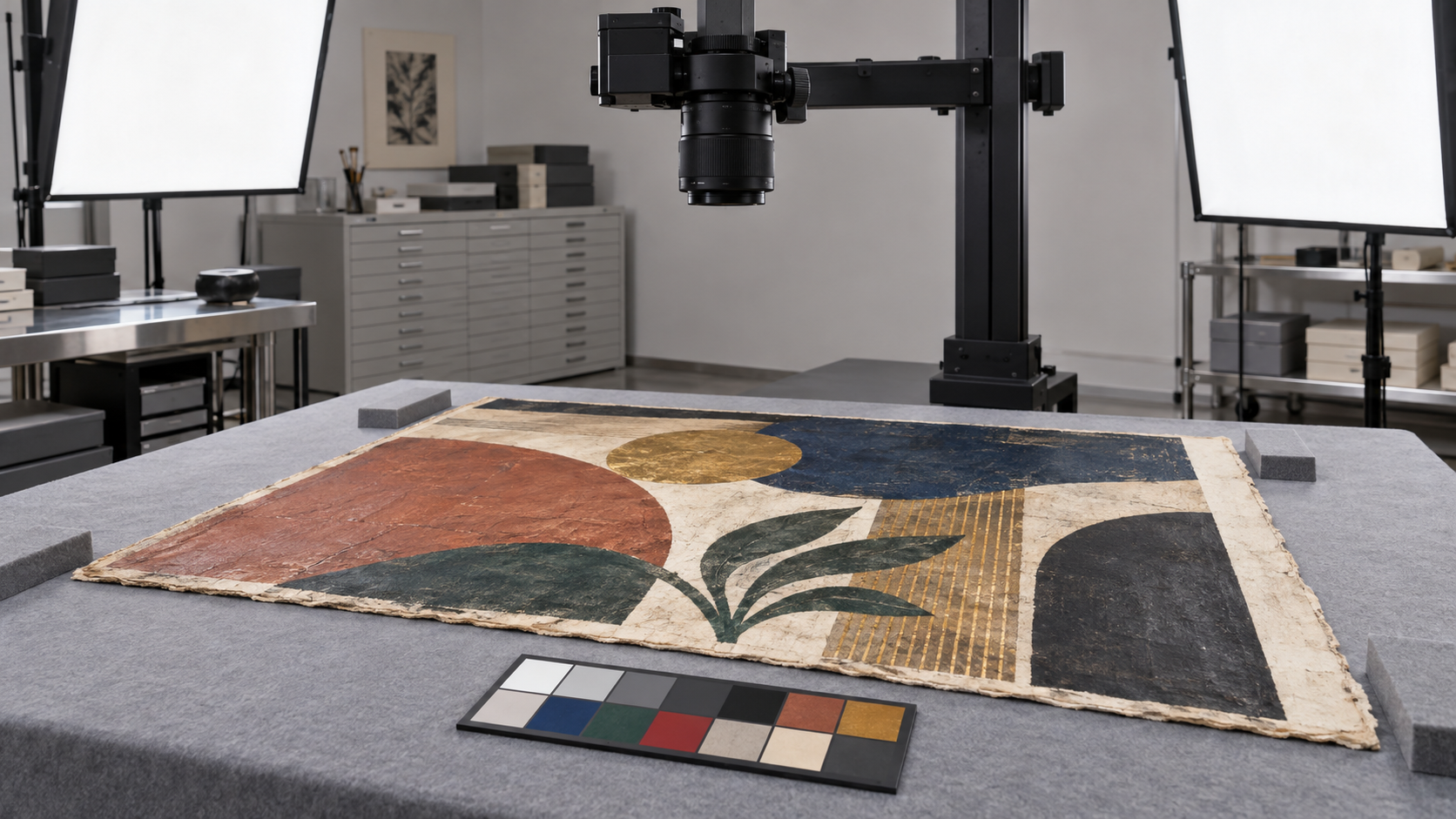
A professional service brings trained documentation practice — photography shot to an archival or insurance standard, condition assessment by someone who knows what to look for and how to describe it consistently, and a methodology applied uniformly across the whole collection rather than varying piece to piece depending on who logged it.
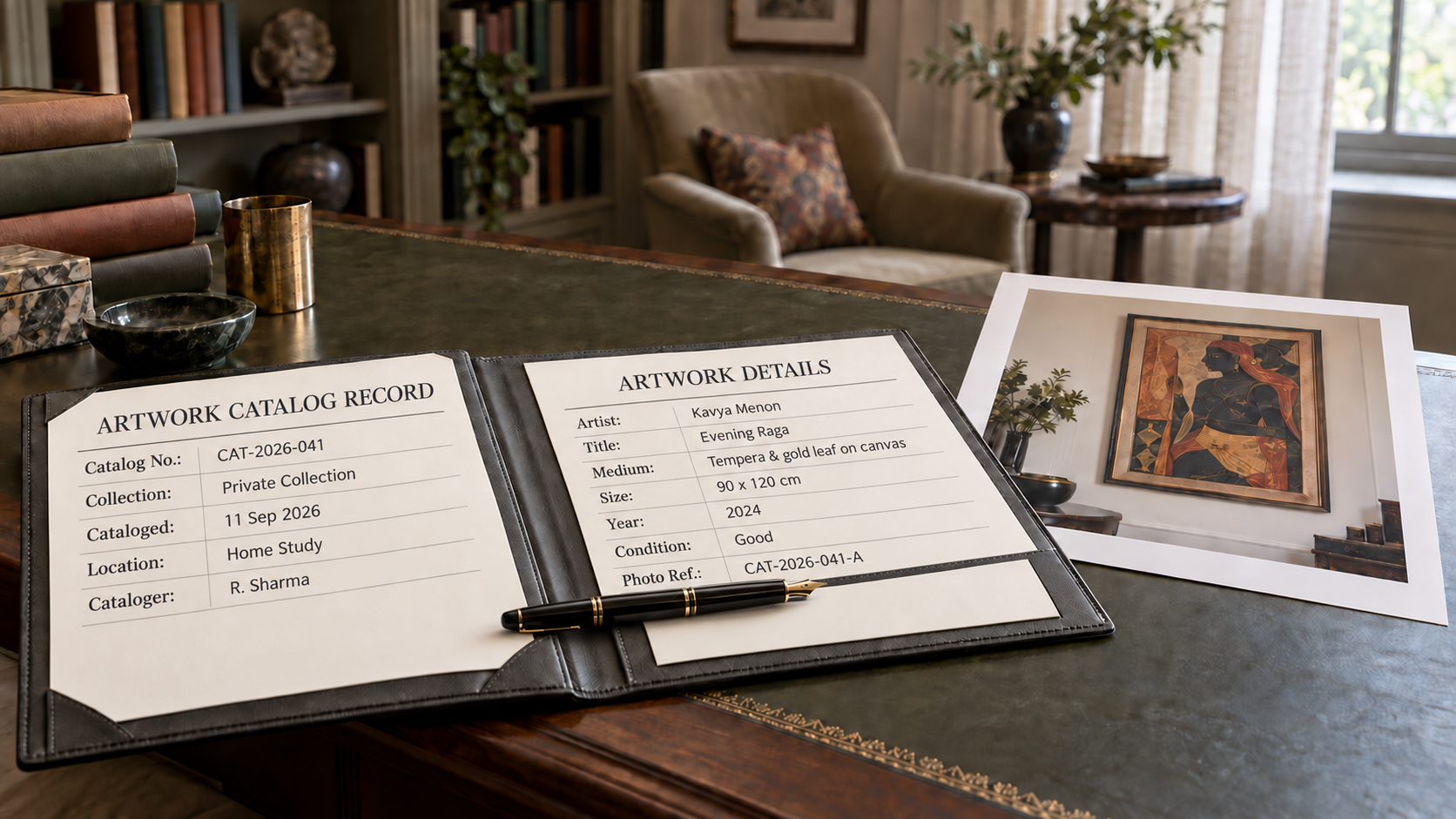
The output is also different in kind, not just quality: records that are ready to hand to an insurer, auditor, or valuer without rework, because they were built to that standard from the start. And unlike a one-time software setup, most services offer ongoing support rather than leaving the system to whoever's left holding it internally.
The Real Decision Factors
Budget is one factor, but rarely the only one that actually determines the right choice. Worth weighing together:
- Collection size and complexity — a handful of pieces in one room is a very different job from dozens spread across floors or buildings
- How the records will be used — purely internal tracking is a lower bar than documentation that needs to support an insurance renewal, an audit, or a future valuation
- Available internal time and expertise — someone has to actually do the data entry, consistently, for as long as the collection exists
- Single office versus multi-location — coordinating a consistent catalog across cities is harder to sustain with a DIY approach
A Simple Way to Decide
If your collection is modest, entirely in one location, and the catalog is purely for internal tracking — knowing what you have and roughly where it is — software is a reasonable starting point. A professional service earns its cost when any of the following apply: the catalog needs to support an insurance renewal or claim, the collection spans multiple offices, nobody has consistent bandwidth to maintain the system, or leadership has specifically asked for a formal, presentable asset record.
The Hybrid Approach Most Offices End Up At
In practice, most organisations we work with don't choose one path exclusively. Software becomes the day-to-day interface — quick to check, easy to update for minor changes — populated initially, and periodically refreshed, with professional-grade documentation: proper photography, condition notes, and a clean baseline record behind whatever tool facilities uses day to day. The two approaches aren't in competition; they solve different parts of the same problem.
How Turmeric Earth Helps
Our cataloging service can build a professional baseline record from scratch, work alongside whatever internal system or spreadsheet facilities already uses, or refresh documentation periodically so a lighter internal tool stays backed by solid underlying records. We're not trying to replace a system that's working for your team — just to make sure what's behind it would hold up if it were ever tested.
Learn more about our cataloging process → turmericearth.com/art-cataloging
There's no universally right answer here — only the right answer for your collection's size, purpose, and how much ongoing attention facilities can realistically give it. Start from those three questions, and the software-versus-service decision usually answers itself.
Frequently Asked Questions
A few questions we hear often on this topic:
Q: Can we start with software and upgrade to a professional service later?
Yes — this is a common and sensible path. Many offices start with a simple spreadsheet or software tool and bring in professional documentation once the collection, or its purpose, has grown.
Q: What size collection justifies a professional service?
There's no fixed number, but once a collection reaches a few dozen significant pieces, spans multiple locations, or needs to support insurance or audit purposes, a professional service typically earns its cost.
Q: Does professional cataloging replace the need for any software at all?
Not necessarily — many clients keep a lightweight internal tool for day-to-day reference, backed by the professional documentation as the authoritative record.
Q: How does a professional service typically compare in cost to software?
Software is usually a lower ongoing cost but requires internal time to populate and maintain well; a professional service has a higher upfront cost but delivers a complete, ready-to-use record without that internal time investment.
Q: Will a professional catalog work with our existing internal tracking?
Yes — we structure documentation so it can feed into whatever system, spreadsheet, or software your team already uses, rather than requiring you to replace it.